Teams often still need Word for legal review, signatures, filing conventions and final formatting.
Boardmate treats DOCX as a first-class output rather than a pasted afterthought.


Output
Boardmate is built around DOCX-first output, supported by PDF and an audit history that helps explain what happened.
The practical working file for board support, legal review, filing, and final formatting where needed.
A stable reading copy for circulation, evaluation record, or controlled distribution.
Follow-up items and matters arising can be extracted where source material supports them.
DOCX: The practical working file for board support, legal review, filing, and final formatting where needed.
PDF: A stable reading copy for circulation, evaluation record, or controlled distribution.
Actions: Follow-up items and matters arising can be extracted where source material supports them.
Audit: Review activity, comment decisions, regeneration, exports, and downloads stay connected to the meeting.
Many board support teams still need Word as the practical legal working file. Boardmate treats it as a first-class output, with document structure and usability considered part of the product rather than a cleanup step.
DOCX supports legal review, signatures, filing conventions, final formatting, and client-specific handling.
Headings, numbering, tables, signature blocks, line breaks, and page rhythm still need to be useful.
Defined terms, recurring language, and approval wording should remain recognisable in Word.
PDF gives reviewers and colleagues a stable reading copy while the DOCX remains available for final working edits. The two files should not become separated from the workflow that produced them.
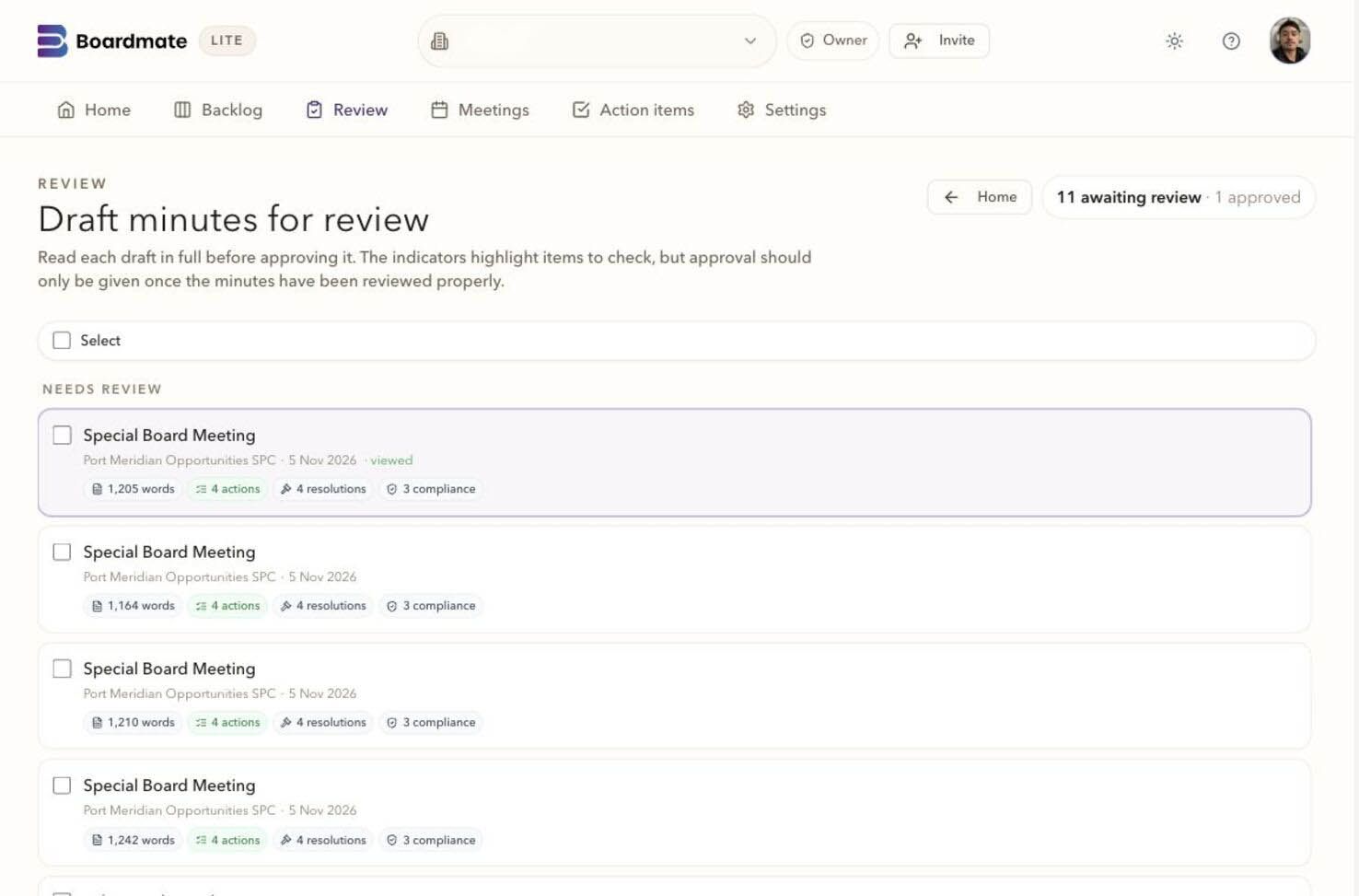
Access, comments, uploads, moderation, regeneration, export, and approval stay visible enough to answer what happened without comparing Word versions and searching email.
Who reviewed, opened, commented, uploaded, or confirmed no comments.
Which feedback was accepted, rejected, held, or used as chair instruction.
Which decision set shaped the next draft.
When DOCX, PDF, action output, and audit history were created or downloaded.
Reviewer workspace
2. Prior minutes
The minutes of the meeting of the Board held on 17 June 2026 were tabled and reviewed. UPON MOTION DULY MADE, IT WAS RESOLVED that the minutes be approved subject to the agreed amendment.
The Board noted the continuing action on service provider reporting and requested that the updated timetable be circulated before the next meeting.
Process comparison
The difference is easiest to see beside the current workflow: source material, review, regeneration, export, and the record that carries forward.
Source material is named, matched, and visible before drafting.
Records live in folders, inboxes, and local document versions.
Comments stay attached to passages and reviewers are tracked.
Feedback is reconciled from emails, markups, and meeting notes.
Accepted comments become controlled source material for the next draft.
The drafter manually decides which edits made it into the file.
Exports, actions, reviewer activity, and audit history travel together.
The final minutes and the review record can drift apart.
Common questions
No. Reviewer comments are review input. The chair or delegated board support user decides which feedback shapes the next draft.
Yes. A first evaluation usually works best with several ordinary meetings, one complex meeting, one short or adjourned meeting, and prior minutes that show house style.
Lite is the backlog-clearing workbench. Companion is the broader board cycle workspace for agendas, report requests, board packs, annual compliance tasks, actions, approvals, reminders, and governance memory.
 Boardmate