Reviewers may receive a Word attachment, a PDF, a note in an email chain or several versions with unclear priority.
A private review route can present the draft, permitted support material and the specific response expected.


Solutions
Chairs and directors need to read, comment, confirm, and approve formal minutes without being pulled into unnecessary administration.
Read the draft, comment on a passage, upload support where relevant, or confirm no comments.
The chair or delegate decides what feedback shapes the regenerated version.
A confirmation matters because it shows the review closed cleanly.
Review task: Read the draft, comment on a passage, upload support where relevant, or confirm no comments.
Chair control: The chair or delegate decides what feedback shapes the regenerated version.
No-comment confirmation: A confirmation matters because it shows the review closed cleanly.
Record confidence: The final minutes can be read beside reviewer activity, accepted comments, and export history.
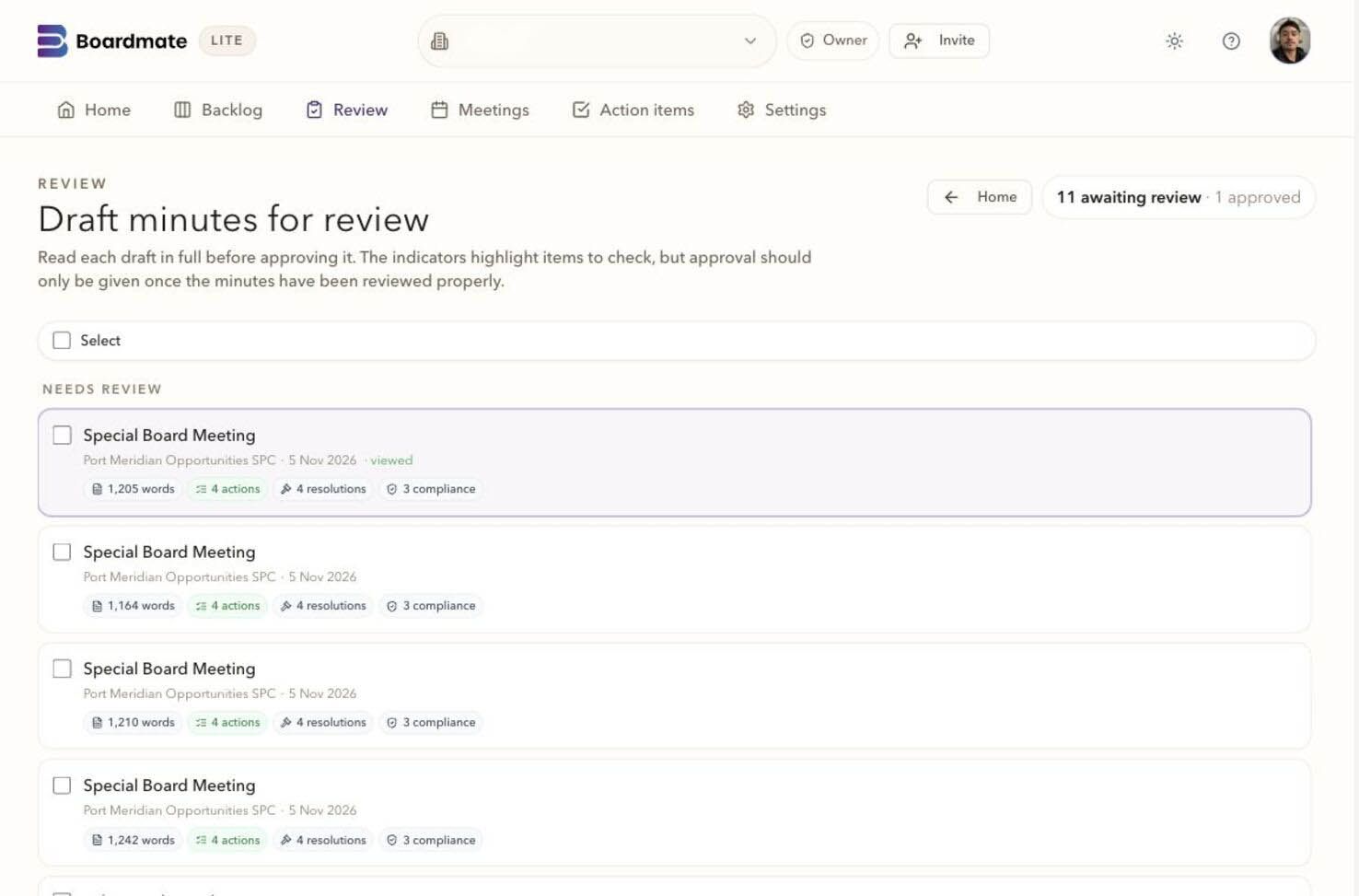
Your collaborator home brings together published minutes, requests and upcoming meetings. Open the draft, add feedback or respond to a request. The organiser sets which meetings you can see, and board support manages the wider preparation.
The reviewer experience is focused on the formal minutes, not on making a director manage files, versions, or workspace setup before they can respond.
The chair or delegated user decides which comments are accepted before regeneration. That distinction matters: reviewer feedback is useful input, but the formal minutes should change only through an authorised decision.
Factual corrections or agreed wording can be used for regeneration.
Points needing discussion can remain visible without immediately changing the minutes.
Suggestions that do not belong in the formal record can stay out of the next draft.
A clean record of reviewers who had no comments is just as important as captured feedback. It helps board support see who has engaged, who still needs to respond, and whether the draft is ready for approval.
Comment, upload, no-comment confirmation, and outstanding response can be distinguished.
The chair can see the review position before accepting changes or moving toward final output.
DOCX, PDF, action items, and audit history can be exported for the formal process.
Common questions
No. Reviewer comments are review input. The chair or delegated board support user decides which feedback shapes the next draft.
Yes. A first evaluation usually works best with several ordinary meetings, one complex meeting, one short or adjourned meeting, and prior minutes that show house style.
Lite is the backlog-clearing workbench. Companion is the broader board cycle workspace for agendas, report requests, board packs, annual compliance tasks, actions, approvals, reminders, and governance memory.