Factual corrections, style preferences, legal concerns and duplicate comments can be mixed into one manual edit list.
The review set can be grouped and moderated before anything becomes regeneration source material.


Decision Control
Chair-controlled regeneration keeps feedback useful without letting every comment automatically change the formal minutes.
Comments arrive with context, source uploads, reviewer identity, and passage location.
Accepted feedback, held points, rejected comments, and chair instructions are separated.
Only accepted material and authorised instructions shape the next version.
Before: Comments arrive with context, source uploads, reviewer identity, and passage location.
Decision: Accepted feedback, held points, rejected comments, and chair instructions are separated.
Regenerate: Only accepted material and authorised instructions shape the next version.
Final record: The audit trail explains why the regenerated minutes differ from the previous draft.
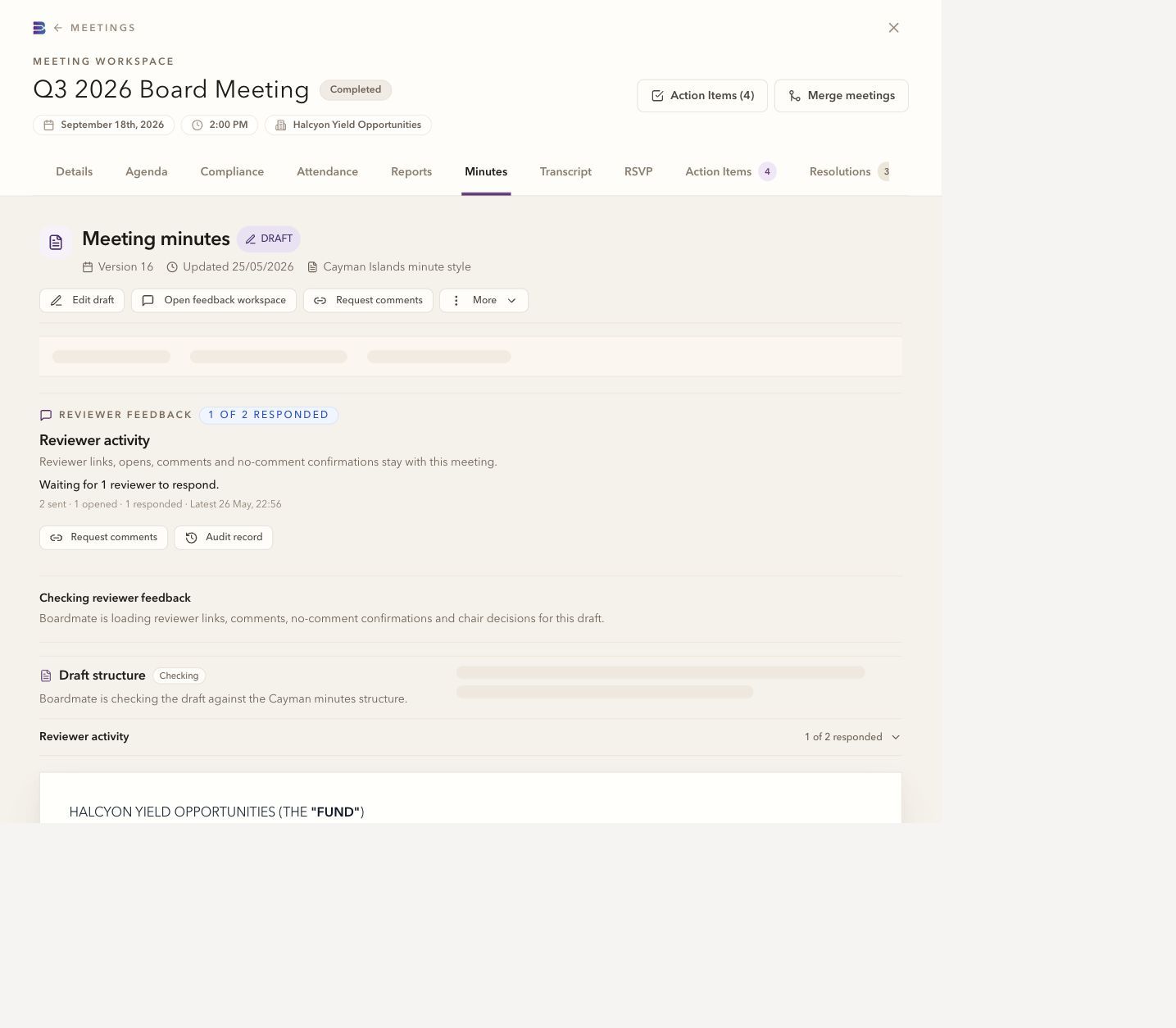
Collaborator feedback stays tied to the version shared for review. The meeting team can consider responses against that draft before publishing a revised version. A collaborator submission does not change the minutes automatically.
Incoming comments can be accepted, rejected, or left pending before they shape the next version. Boardmate keeps that decision point explicit so the formal minutes do not drift with every reviewer note.
The feedback should shape the regenerated draft.
The point does not belong in the minutes or has already been addressed.
The point needs discussion, more source material, or a chair decision before drafting changes.
The chair or delegated owner can add drafting guidance that is not simply a reviewer comment.
Accepted comments and chair instructions become the source for a new draft. The audit history shows what was accepted and why the regenerated minutes differ from the earlier version.
The workflow keeps formal records calm, chaired, and deliberate. Board support can move faster without turning the formal minutes into a collage of every comment received.
Material factual or decision points can be incorporated.
Optional phrasing changes can be held or rejected without losing the history.
Competing reviewer comments can be put to the authorised decision maker.
The final output can be checked beside the review decisions and export history.
Reviewer workspace
2. Prior minutes
The minutes of the meeting of the Board held on 17 June 2026 were tabled and reviewed. UPON MOTION DULY MADE, IT WAS RESOLVED that the minutes be approved subject to the agreed amendment.
The Board noted the continuing action on service provider reporting and requested that the updated timetable be circulated before the next meeting.
Common questions
No. Reviewer comments are review input. The chair or delegated board support user decides which feedback shapes the next draft.
Yes. A first evaluation usually works best with several ordinary meetings, one complex meeting, one short or adjourned meeting, and prior minutes that show house style.
Lite is the backlog-clearing workbench. Companion is the broader board cycle workspace for agendas, report requests, board packs, annual compliance tasks, actions, approvals, reminders, and governance memory.