Transcripts, recordings, board packs, reports, support notes and previous minutes often sit across folders and inboxes.
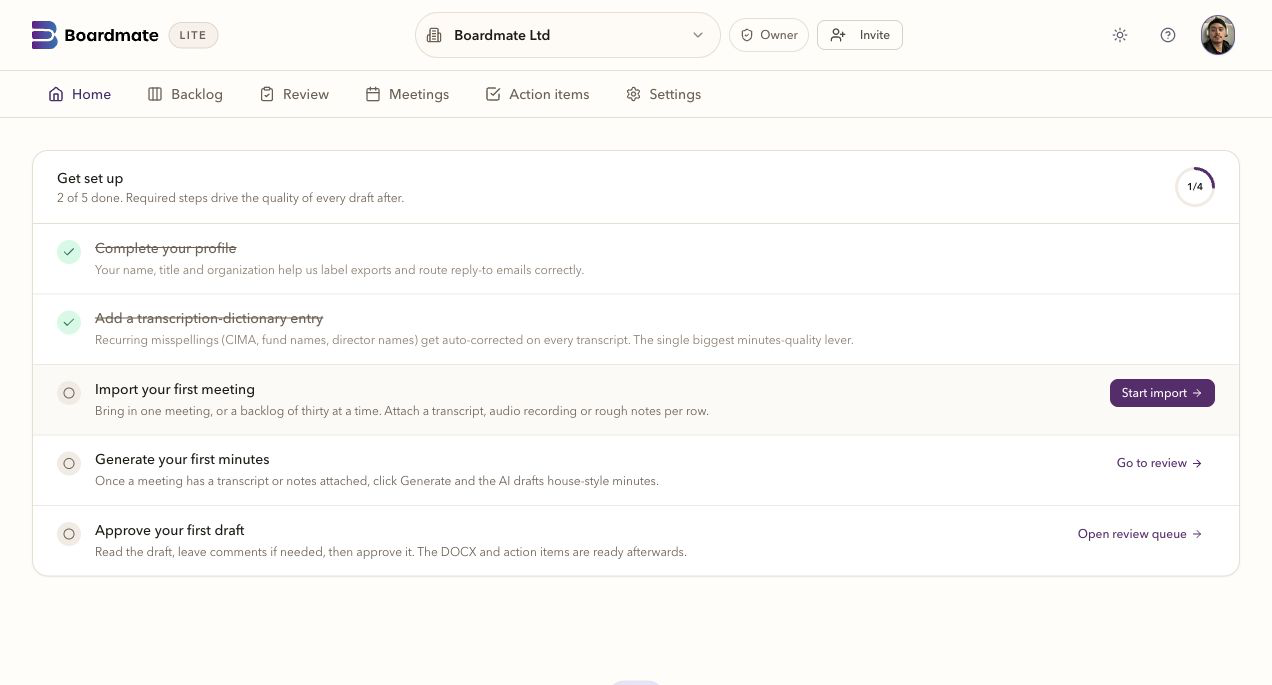
The batch starts with a meeting list and source folder, so missing or ambiguous material is visible before drafting.


Solutions
Boardmate is written for board support teams coordinating source material, draft minutes, comments, approvals, and final output across large fund and client portfolios.
Source material arrives across folders, inboxes, board packs, support notes, and transcript files.
A single workflow shows source readiness, drafting status, review activity, chair decisions, and export.
House style, DOCX usability, reviewer chase, and audit clarity matter as much as first-draft speed.
Daily pressure: Source material arrives across folders, inboxes, board packs, support notes, and transcript files.
Boardmate help: A single workflow shows source readiness, drafting status, review activity, chair decisions, and export.
Quality signal: House style, DOCX usability, reviewer chase, and audit clarity matter as much as first-draft speed.
First evaluation: Pick meetings that expose normal work, awkward exceptions, and the current approval pattern.
Share the relevant meetings, request the reports you need and see which responses have arrived. Review each submission, accept the material for the pack and prepare its circulation in Outbox. Contributors see the work that needs their attention.
A few meetings can be managed by memory, inboxes, and Word files. Hundreds of funds with annual, reporting, and special meetings turn the same steps into a constant queue of drafting, review, redrafting, approval and filing.
Lite shows what is waiting, what is processing, what needs attention, and what is ready for review, so the team can move a portfolio instead of chasing one file at a time.
Reviewer links, comments, uploads, chair decisions, regeneration, and export history stay close enough for the team to explain how the next draft was reached.
Common questions
No. Reviewer comments are review input. The chair or delegated board support user decides which feedback shapes the next draft.
Yes. A first evaluation usually works best with several ordinary meetings, one complex meeting, one short or adjourned meeting, and prior minutes that show house style.
Lite is the backlog-clearing workbench. Companion is the broader board cycle workspace for agendas, report requests, board packs, annual compliance tasks, actions, approvals, reminders, and governance memory.