Action items may sit in narrative minutes, side notes or previous matters arising and need manual capture.
Actions can be extracted where the source material supports them and checked against the meeting record.


Follow-Up
Boardmate helps turn approved minutes into follow-up by extracting action items and preserving unresolved matters across meetings.
Actions are identified from minutes and supporting source material where the record is clear.
Named people, due dates, and carry-forward context remain explicit when available.
Historic meetings may contain open commitments that still matter after the minutes are approved.
Extraction: Actions are identified from minutes and supporting source material where the record is clear.
Responsibility: Named people, due dates, and carry-forward context remain explicit when available.
Backlog risk: Historic meetings may contain open commitments that still matter after the minutes are approved.
Companion continuity: Boardmate Companion can carry approved actions and matters arising into the ongoing governance workspace.
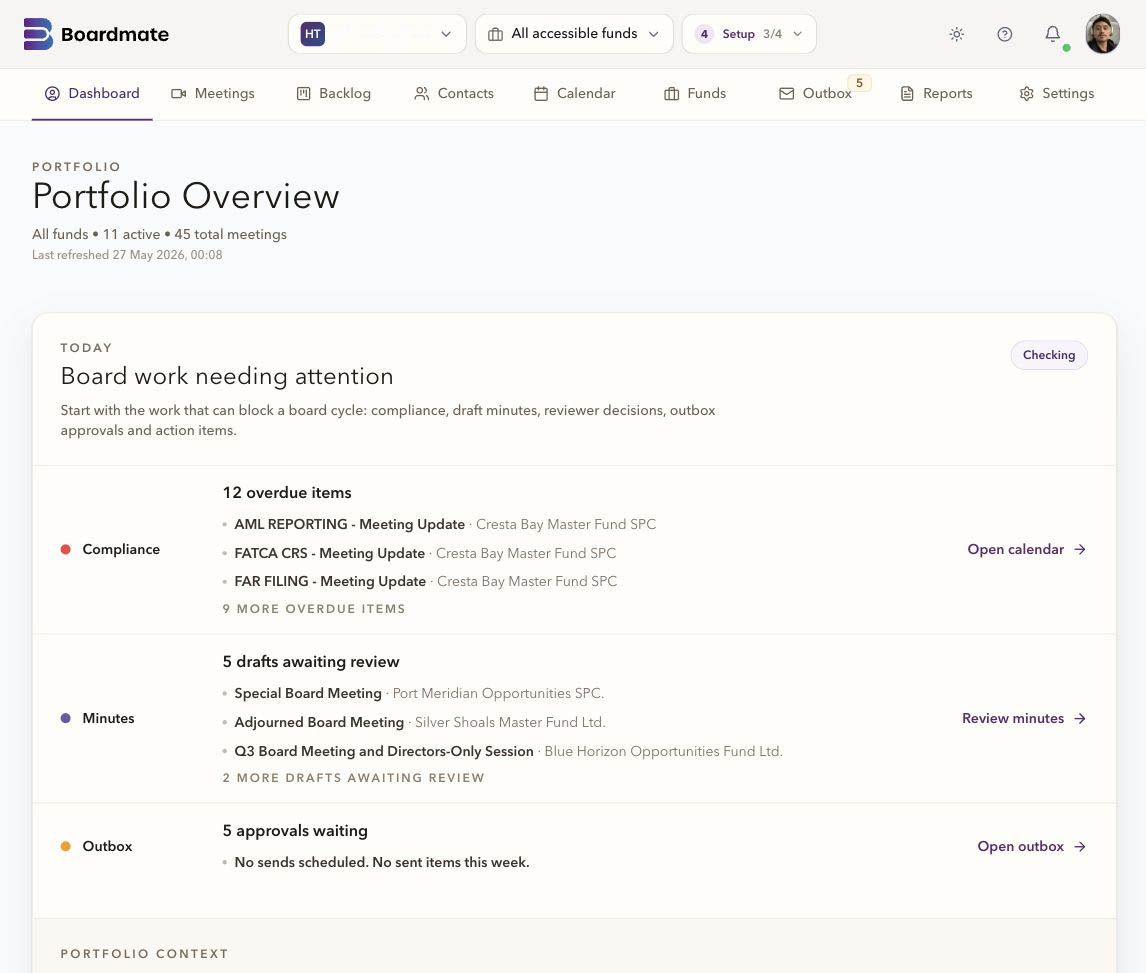
Companion can place a request against a meeting action. The collaborator sees the instructions and due date, then sends a written update or attachment. Board support reviews the response before deciding whether the action is complete.
Say what is needed and when it is due.
Keep the update and attachment with the request.
The team makes an explicit decision; sending a response does not close the action.
The approved minutes inform the next work: actions, matters arising, chasing, and status review. That follow-up should not depend on someone rereading every historic Word file before the next meeting.
The task, owner, deadline, and source context can be kept explicit where the material supports it.
Open points from the previous meeting can be prepared before the next agenda is finalised.
Director decisions and follow-up can remain close to the minutes and papers they relate to.
Historical meetings may contain open actions. Boardmate helps teams find those commitments for follow-up instead of treating backlog clearance as a filing exercise only.
Actions, annual task status, approvals, reminders, and future meetings give the organisation a clearer memory of board work. Companion turns the follow-up from a separate tracker into part of the live cycle where applicable.
Actions and unresolved matters can become context for the next meeting.
Overdue items and upcoming annual tasks can stay visible before the next board pack closes.
Completed items can be reflected in the following minutes without rebuilding the trail.
Common questions
No. Reviewer comments are review input. The chair or delegated board support user decides which feedback shapes the next draft.
Yes. A first evaluation usually works best with several ordinary meetings, one complex meeting, one short or adjourned meeting, and prior minutes that show house style.
Lite is the backlog-clearing workbench. Companion is the broader board cycle workspace for agendas, report requests, board packs, annual compliance tasks, actions, approvals, reminders, and governance memory.