Meeting rows, recordings, transcripts, packs, prior minutes and support notes are recovered one by one.
A manifest and source folder make the batch inspectable before generation starts.


Solutions
Boardmate Lite helps teams bring meeting archives into one pipeline, see what is ready, and move formal minutes through review, regeneration, approval, and export.
Meetings can move from imported to preflighted, drafting, review, regeneration, approval, and export.
Missing files, ambiguous matches, late notes, and failed source checks need visible next actions.
Reviewer chase and chair decisions are visible by meeting.
Pipeline: Meetings can move from imported to preflighted, drafting, review, regeneration, approval, and export.
Exceptions: Missing files, ambiguous matches, late notes, and failed source checks need visible next actions.
Review load: Reviewer chase and chair decisions are visible by meeting.
Progress: The team can show which meetings advanced, what remains unresolved, and which outputs are ready for filing.
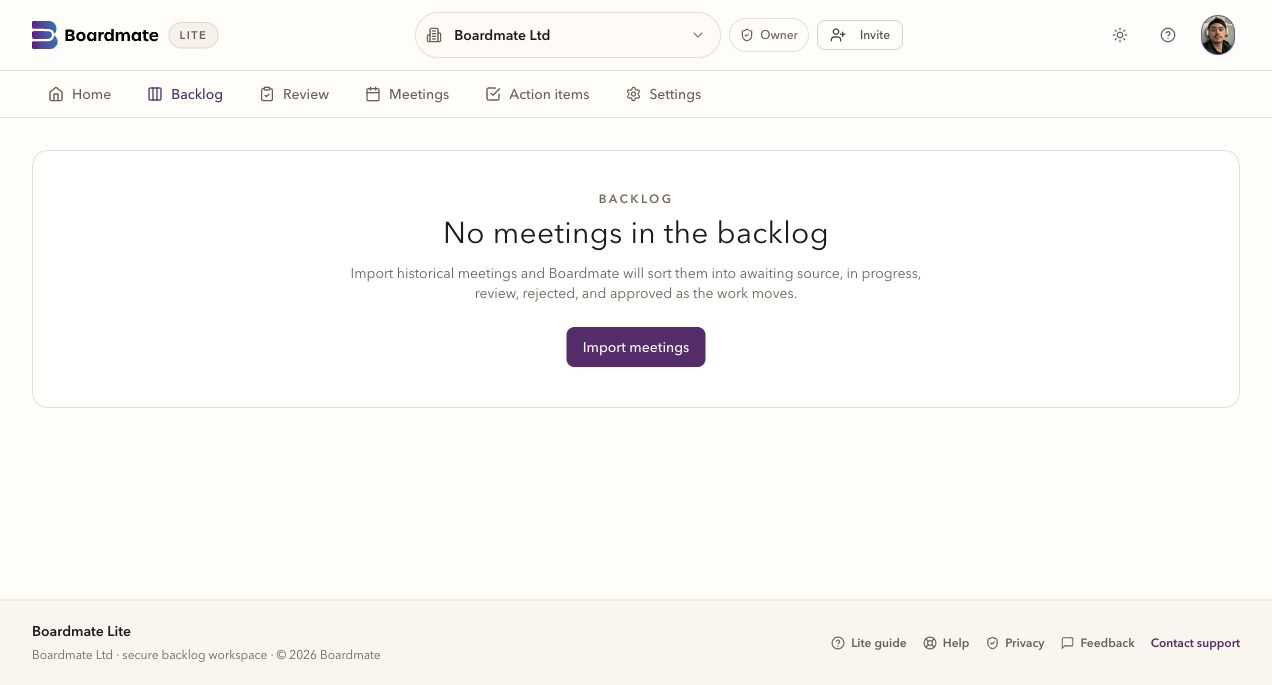
A useful backlog surface shows source readiness, draft status, comments, regeneration, approval, and export. That matters when hundreds of meetings need to move without every file becoming its own project.
CSV rows, recordings, transcripts, board packs, support notes, prior minutes, action lists, and separate reports when the source set supports them.
Formal first drafts are generated from the available source set and the organisation's approved style.
Private links collect comments, uploads, and no-comment confirmations without rebuilding the review from email.
DOCX, PDF, action items, and audit history can leave together for approval and filing.
If files are missing or a batch needs attention, the interface should make the next step visible. A missing transcript, late board pack, ambiguous meeting name, or incomplete report set should not halt the whole portfolio.
The team can see which meetings moved, who reviewed, and what remains unresolved. Backlog clearance is successful when board support can explain the current position across the batch without reconstructing it from folders and emails.
Ready, drafting, review, regeneration, approval, and exported states can be read across the batch.
Outstanding responses, comments, uploads, and confirmations remain visible beside the draft.
The same operating pattern can be reused for the next set of funds, meetings, or historic periods.
Common questions
No. Reviewer comments are review input. The chair or delegated board support user decides which feedback shapes the next draft.
Yes. A first evaluation usually works best with several ordinary meetings, one complex meeting, one short or adjourned meeting, and prior minutes that show house style.
Lite is the backlog-clearing workbench. Companion is the broader board cycle workspace for agendas, report requests, board packs, annual compliance tasks, actions, approvals, reminders, and governance memory.